More people now ask AI tools like ChatGPT and Google's AI Overviews to recommend a business instead of scrolling through search results. The AI reads a few sources, writes one answer, and names only a handful of businesses. This checklist shows you how to see what AI says about your business today, and the five things it looks for when deciding who to recommend.
How does AI search decide who to recommend?
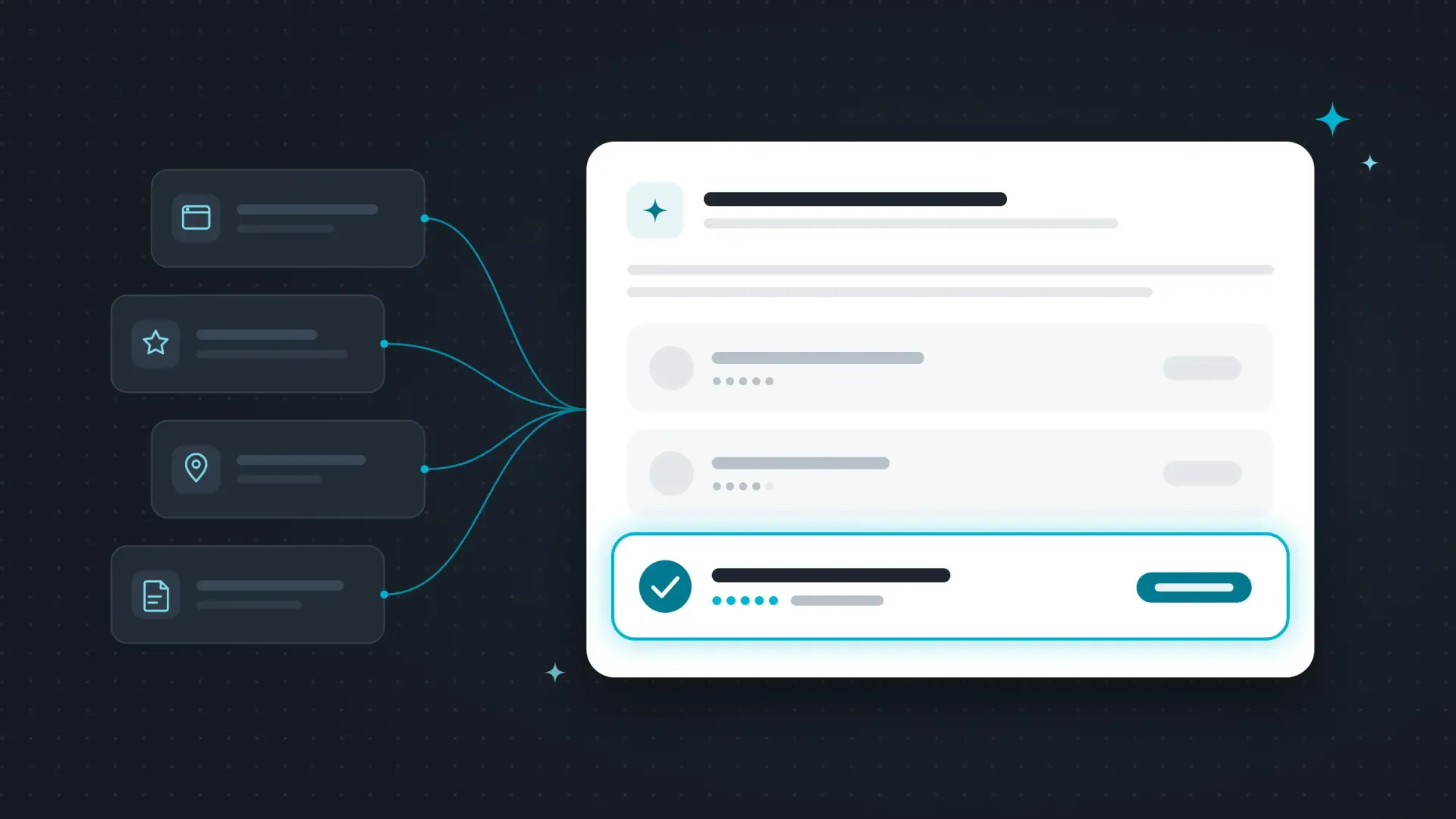
AI search tools don't know your business on their own. When someone asks a question, the tool:
- Breaks the question into several smaller searches. "Best plumber in Rochester" might become searches for reviews, emergency service, and specific neighborhoods.
- Pulls a handful of pages from a search index. Google's AI Overviews use Google's index. ChatGPT and other tools use their own crawlers plus search partners.
- Reads those pages and writes one answer, citing only a few sources.
Instead of ten blue links, there are usually only a few businesses named. If your website and online listings aren't easy to find and understand, the AI can't recommend you, no matter how good your work is.
Step 1: See what AI says about you today
Open a private browser window, then try these questions in ChatGPT, Google (look for the AI Overview or AI Mode), and one other tool like Gemini or Perplexity. Swap in your own service and town.
- "Who is the best [your service] in [your town]?"
- "What does [your business name] do?"
- "Is [your business name] a good choice for [a service you offer]?"
- "[Your business name] vs [a competitor]"
For each answer, write down:
- Were you mentioned at all?
- Is the information about you correct? Look at services, location, hours, and phone number.
- Which websites did it cite? Those are the sources AI trusts in your industry.
Step 2: Check the five things AI looks for
1. Clear answers to real questions
- Your website has a page for each main service, not one page listing everything.
- Each service page says what you do, who it's for, and where you do it in the first few sentences.
- You have an FAQ section that answers the questions customers actually ask you on the phone.
2. Structure a machine can read
- Pages use clear headings, short paragraphs, and lists.
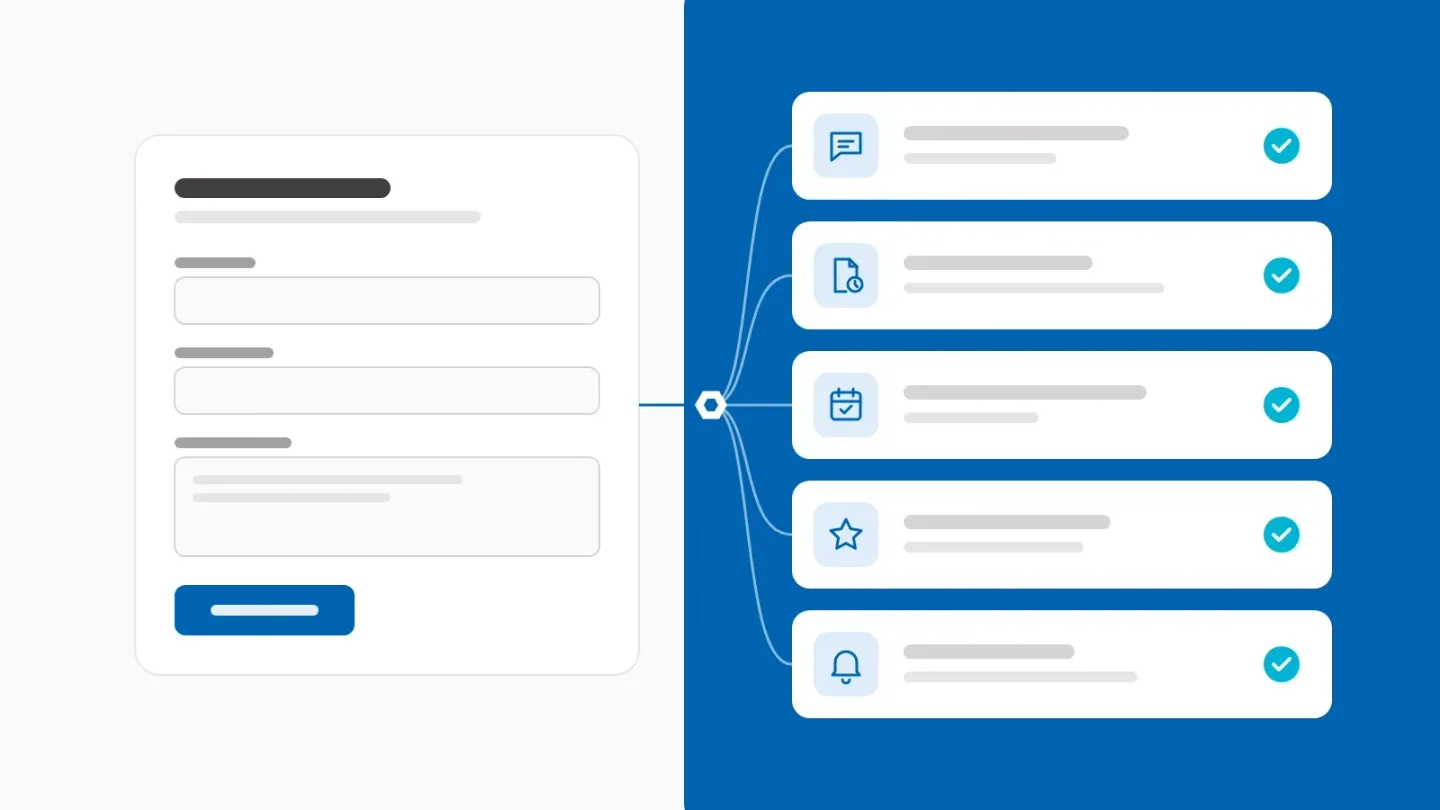
- Your site has structured data (schema markup) that spells out your business name, services, service area, and contact information.
- Your site loads fast on a phone.
3. Consistent information everywhere
- Your business name, address, and phone number match exactly across your website, Google Business Profile, Bing Places, Apple Business Connect, Yelp, Facebook, and industry directories.
- Your Google Business Profile is complete: the right primary category, every service listed, accurate hours, and recent photos.
4. What other people say about you
- You get new reviews steadily, not just a batch from a few years ago.
- You reply to reviews, good and bad.
- Your business is mentioned on other trusted sites: local news, chamber or association pages, partner websites, community groups, and industry lists.
5. A site AI is allowed to read
- Your website doesn't block search engines or AI crawlers in its robots.txt file.
- Your important content is in the page itself, not hidden inside images, PDFs, or only loaded by JavaScript. Many AI crawlers don't run JavaScript.
- Your site is listed in Google Search Console and Bing Webmaster Tools, so both search indexes know about it.
Step 3: Three free fixes you can do this week
- Clean up your Google Business Profile. Check the primary category, add every service, update your hours, and add five recent photos of real work.
- Ask three happy customers for a review. Send them a direct link. Reviews that mention the specific service and your town help the most.
- Write down the five questions customers ask you most, then answer each one in two or three plain sentences on your website. That's the start of an FAQ page.
Is SEO still worth it with AI search?
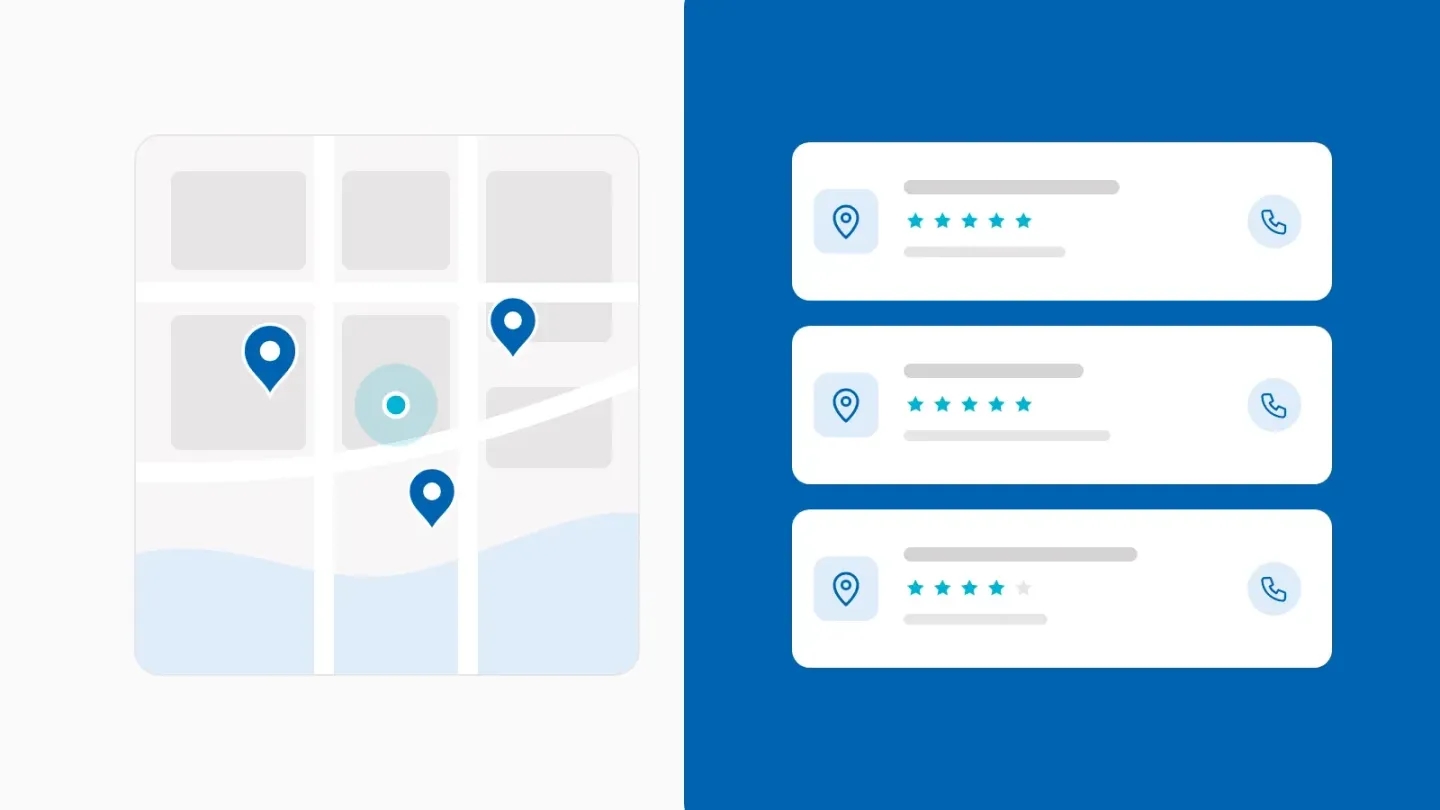
Yes. AI search is built on top of regular search. The tools still need to find, crawl, and trust your website before they'll mention you. Good SEO makes that possible, and AEO (answer engine optimization) builds on it by making your information easy for AI to quote. For more on the map results, see our guide on how to get your business on the Google Maps results.
Want a second set of eyes?
If you'd like to know how AI sees your business, we're happy to take a look. Our Local SEO work includes a monthly check on how you show up in AI answers.